Minecraft Biomes: The Desert

Minecraft_Monday


The Desert is a neat place but it can be scary place if you don’t know everything about it. The desert is a very empty place with not much to it. You can often find deserts next to all biomes and sometimes it even snows in the desert which is really weird.

there are only a couple of items that are in the desert but there are a lot of them. The main thing is sand lots and lots of sand. I am guessing that you knew that but what you didn’t know is that underneath all that sand is sandstone that is a good building block. You can only dig out sandstone with a picaxe that is stone or higher. There is also chiseled sandstone and sandstone stairs that you make in the bottom row the middle middle and right and the top right.

The only life you really see is a cactus but there is lots of them. Cactus are good defense measures because they hurt everything touching them not just you. Cactus can’t have anything touching them so you need to put them in a checkerboard pattern. Cactus can only be planted on sand and you just plant a cactus block and it will grow straight up till it is 3 high like sugar cane. If you bake cactus you will get green dye and if you add bone meal to it you will get one of my favorites lime green.

I hope that you have learned enough to brave the dreaded desert and survive. Tell me below in the comments what’s your favorite dye in Minecraft.

NerdPie

Contesting Monday 3/28

Contesting Monday2

Happy Easter everyone! I hope you had a great day with your families!!!

Have some great giveaways going on over at your site? Want to enter some fabulous giveaways and win great stuff? Either way, that makes this the place for you!

So here is the deal. If you are hosting a giveaway or have a post about someone’s giveaway just leave a link. Make sure this link is to the giveaway post itself and not just the blog or it will be deleted. If you listed it last week but your giveaway is still open, list it again! Also your link must be to something family friendly or it will be deleted.

So now you need to add your giveaways and go enter some giveaways! Let them know that Contesting Monday sent you! Make sure you share Contesting Monday with your fans and followers so that they can see all these fabulous giveaways!!!

Remember this linky is also being hosting over at Robyn’s Online World! You only have to add it once to be seen at both sites!

Contesting Monday 3/21

Contesting Monday2

Have some great giveaways going on over at your site? Want to enter some fabulous giveaways and win great stuff? Either way, that makes this the place for you!

So here is the deal. If you are hosting a giveaway or have a post about someone’s giveaway just leave a link. Make sure this link is to the giveaway post itself and not just the blog or it will be deleted. If you listed it last week but your giveaway is still open, list it again! Also your link must be to something family friendly or it will be deleted.

So now you need to add your giveaways and go enter some giveaways! Let them know that Contesting Monday sent you! Make sure you share Contesting Monday with your fans and followers so that they can see all these fabulous giveaways!!!

Remember this linky is also being hosting over at Robyn’s Online World! You only have to add it once to be seen at both sites!

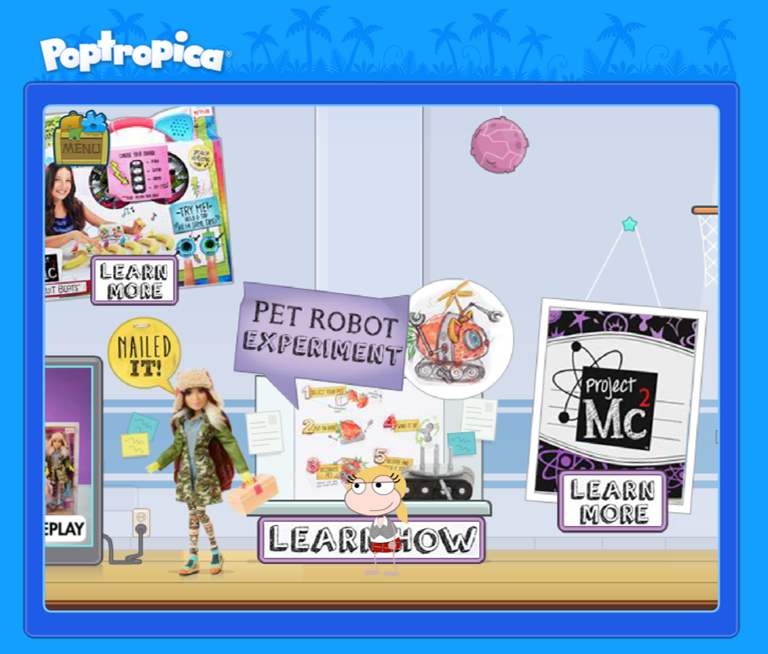
Project Mc2 Science Fair on Poptropica

Project Mc2_Poptropica_Science Fair_Camryn Coyle Experiment


You all know that I love Pi Day, computer games, and geeky STEM activities! I was stoke super stoked when Project MC² let me know about a cool project they are doing with a NerdFamily favorite! 

Starting on Pi Day you can partake in the Project MC² Virtual Science Fair on Potropica! The Virtual Science Fair will be featured on the Poptropica map of islands. Kids will be able to conduct a Project Mc² experiment, watch video, engage with the dolls from Project Mc² and win Project Mc² rewards to use throughout Poptropica between Pi Day and Easter.

This is the first in a series of STEM based activities that will be launched over the year on Poptropica.  Project MC² focuses on getting girls involved with STEM by their show on Netflix, their dolls, and now on Poptropica

For the record, I am not being compensated for this post. I just think it is cool;). 

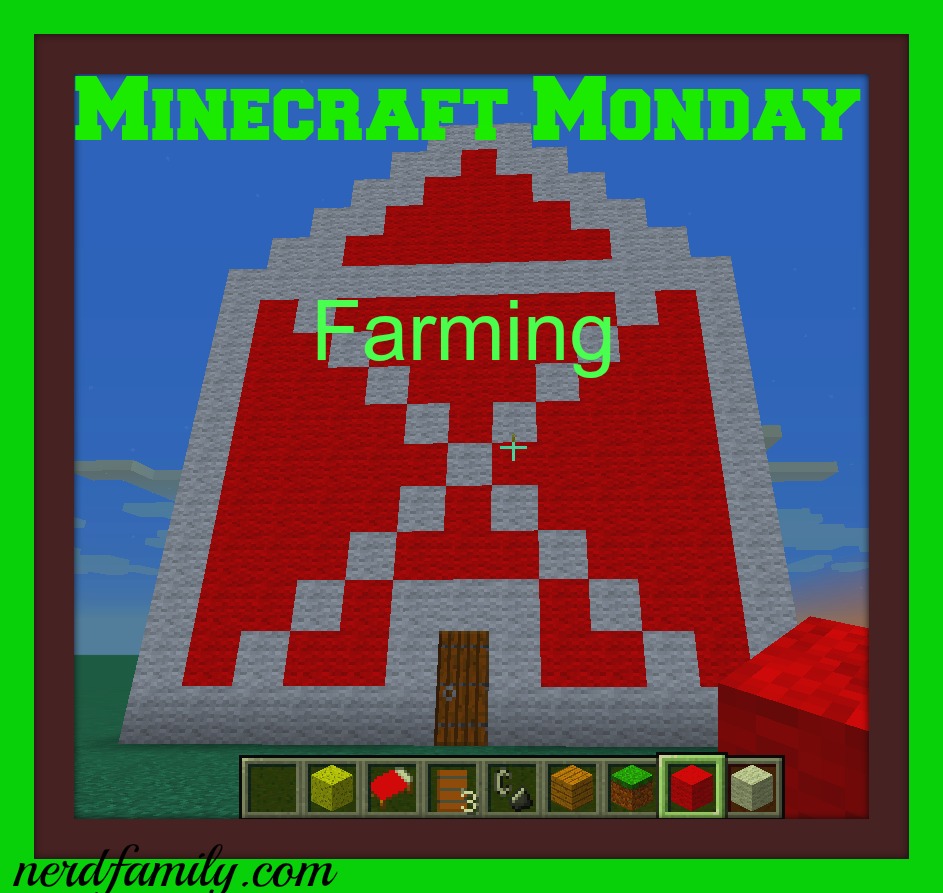
The Farm Extras That Will Improve The Way You Think About Farming

Minecraft_Farming

This post is here to tell you a couple of items that are not essential to the farming process they will help your farm a lot. These can be used elsewhere but for today I am just going to stick with the farming aspect. 

1: Leash

This is handy tool that is not seen very often but is very useful. if you left click on a animal (or monster but I don’t suggest it because then they will attack you) while holding a lead, and then they have to stay with you within 10 blocks. To make a leash you put a slime ball in the middle middle and string in top left and middle, middle left, and bottom right.

2: Fence

This is helpful with animals because they are 1 and 1/2 blocks tall making them tall enough to hold in animals but low enough to be able to see in. You can also Leash them (see above) and anchor the leash to a fence piece so that the animals will have to stay there. Sometimes I make a fence around my outside crops then you won’t have any monsters in your water source come morning believe me it isn’t pleasant. To make a fence put planks in the middle left and right and in the bottom left and right and sticks in the middle and bottom middle.

3: Gate

This is in tow with the fence because it is the only thing that is 1 and 1/2 block other than the fence. The main reason that you would use a fence as the entrance to an enclosure made of fence. Though you can also put 2 on top of each other instead of a door and then they will appear to be only 1 block high which always feels weird. To make a gate put sticks in the middle left and right and in the bottom left and right and planks in the middle and bottom middle.

I hope that you might have use of these items on your Minecraft farm.

Nerdpie

Contesting Monday 3/14

Contesting Monday2

Have some great giveaways going on over at your site? Want to enter some fabulous giveaways and win great stuff? Either way, that makes this the place for you!

So here is the deal. If you are hosting a giveaway or have a post about someone’s giveaway just leave a link. Make sure this link is to the giveaway post itself and not just the blog or it will be deleted. If you listed it last week but your giveaway is still open, list it again! Also your link must be to something family friendly or it will be deleted.

So now you need to add your giveaways and go enter some giveaways! Let them know that Contesting Monday sent you! Make sure you share Contesting Monday with your fans and followers so that they can see all these fabulous giveaways!!!

Remember this linky is also being hosting over at Robyn’s Online World! You only have to add it once to be seen at both sites!

The Back Stage of Minecraft

File

Today I am going to talk all about the system of Minecraft not the actual game but that to do if you need your screenshots or even a world for a different computer. When I got my new computer I wanted to keep all my world so went through all the files to find them and add them to the new Minecraft spot so that they would actually run. It took several tries and some help from the NerdDad so I wanted to tell you guys all about.

The file that you find all of the worlds and saved items is .minecraft which is in your file manager. That is buried super deep so I suggest that you search .minecraft in your files to go to it if that doesn’t work for you here is a different way. Open the Minecraft game and go to options. Then click on the resource packs button. Then the button to open the resource packs files. Then you will be in a file that is in the .minecraft file.

To get a screenshot out of the .minecraft master file. There is a file that is named screenshots. That is what holds the pictures in a Jpeg format. Then you can just copy or cut your  pictures out and put them where ever you choose. The command for taking a picture is F2.

The worlds that you create are in there own file. Then in a little file for 1 world. I suggest you  just copy the file with a separate file then you don’t have to get in the actual makeup of the minecraft worlds. 

If you want to use a beta tester you should make a copy of the world you want to play on unless you wanted to make a new world. To get to a beta tester open the Minecraft launcher. Then click on the button that says edit profile. The click on the checkbox that says “Enable experimental development versions (“snapshots”). And you will have the new update that is isn’t done yet.

I hope that now you can run the files of Minecraft and you can have all of your special pictures.

Nerdpie

Contesting Monday 3/7

Contesting Monday2

Have some great giveaways going on over at your site? Want to enter some fabulous giveaways and win great stuff? Either way, that makes this the place for you!

So here is the deal. If you are hosting a giveaway or have a post about someone’s giveaway just leave a link. Make sure this link is to the giveaway post itself and not just the blog or it will be deleted. If you listed it last week but your giveaway is still open, list it again! Also your link must be to something family friendly or it will be deleted.

So now you need to add your giveaways and go enter some giveaways! Let them know that Contesting Monday sent you! Make sure you share Contesting Monday with your fans and followers so that they can see all these fabulous giveaways!!!

Remember this linky is also being hosting over at Robyn’s Online World! You only have to add it once to be seen at both sites!

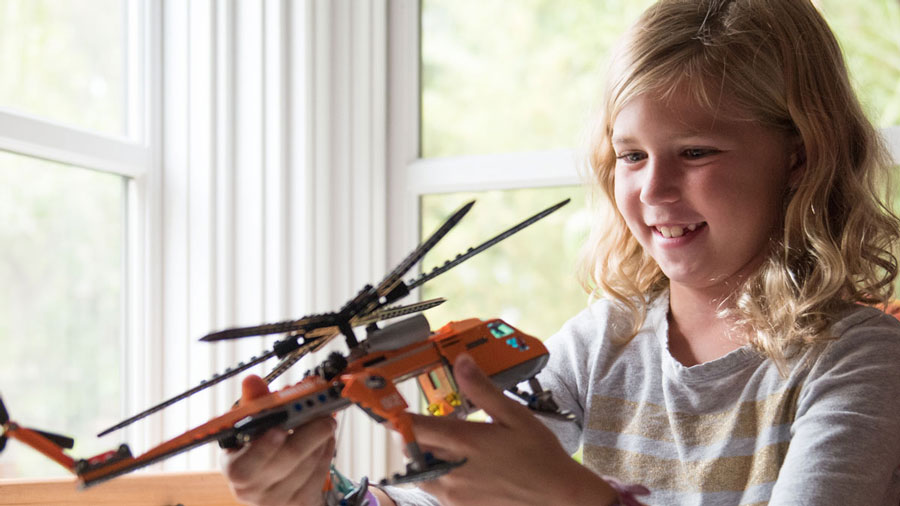
Dealing with the Playtime “I Don’t Know What to Do”s

girl-with-lego

(This is a sponsored post by Pley, the awesome toy set subscription service. Netflix for blocks (and maybe Polly Pockets soon too).)

“I don’t know what to play with.” Admit it, you have heard that from your kids. I think it drives every parent crazy, but especially here in the United States where we know that our kids have and do so much! An “I’m bored” in my house is often met with a response about how I always have baseboards that need cleaning. But being over whelmed with toys is not necessarily a problem that just comes from ungrateful children. They really can have so much available to them that they don’t know how to focus or how to clean up. How many times have you found your kid in a trashed room of toys with them walking around aimlessly? Come on, I can’t be the only one;).  But it doesn’t have to be that way.  How I have always gone about my kids and toys is like toy rotation. But less of hiding things away and more about being intentional. 

So lets take an infant. You put them in a play pen full of toys and walk away. They sit in the middle and fuss or cry, right? You wonder why they don’t just pick up a toy and start playing, right? Well, if you sit them in an empty play pen and hand them 1 or maybe 2 toys they are less likely to fuss. Seriously. I heard about this in a Babywise or Growing Kids God’s Way tape before I had any kids. I remember having this frustration with my siblings when they were little. So I had kids… I experimented on them. Yes really, I am that person. But I wanted to know if it was a fluke or actually a thing. And it seemed to be a thing. 

This method is also considered really good for development. I mean if you think about it, you are giving them 1 thing to focus on. That means they really figure out everything they can do with it. If they can do something else with it. And it teaches them how to focus and work something out to its end. I know, it sounds way to deep for an infant. So lets jump ahead to that 3-10 age. 

As part of our day, since the kids were mobile, we have always had some “go away from me and play” time every day that we are home. So you send a kid off to play, or a group of kids as it is in my house, and they can’t settle on what to do. They flit from thing to thing or can’t agree on anything! So I would always say, “Go play in the kids’ room. You can play with this or this. Which one do you guys want to do?” They tell me their choice and go play. No fighting and no whining. And of course at these ages I am not going to hand them one single rattle but a theme. They pick a set like the kitchen set, Lincoln Logs, Legos, or dolls. Often we would also get 2 who play with one thing and 2 who would play with the other. 

Sometimes they will stick with these things for an hour or a week so they really get a chance to delve in to a project. Here is the other secret power of this. You can always make 1 of the suggestions something they don’t play with often. It can help them rediscover a hidden gem. It also can be a way to discover when something can move on to a home that wants it more. 

Now that my kids range from 8-14, they do this to themselves. If they are heading off to play they will say, “I am going in the game room to play…” Not so much to ask permission but to let me know that they are getting into an activity and to let their siblings know in case they want to join. 

That is it, really. That is my secret to kids playing and learning to focus. When you hear it, it sounds so simple. Yet, if you have never seen it modeled you may never have tried it. Try it out with your kids! Let me know how it works for you. 

Oh, 1 extra benefit to mental development, not being bored, and not fighting? They at most have 1 set of things out (per kid) to clean up. So it makes the end of the day so much easier!!!

And if you are a Pley subscriber, you have 1 special set of toys that they can play with at a time! Once they fully explore that set, you just send it in and get another one!!!

pley-card-logo-v3(Disclosure: This piece was sponsored by Pley but all thoughts and opinions are mine alone!) 


Setting Your Minecraft Dinner Table

food

Today I am going to tell you about different foods to set your minecraft dinner table with. There isn’t a set breakfast or dinner time in a Minecraft day. You basicly just eat whenever you are hungry. There aren’t unhealthy foods in Minecraft. Either you might be sick like if you eat raw meat or rotten flesh (if you drink a bucket of milk you will get better immediately) but there aren’t any other side effects so you could eat cake and it have the same health benefit as bread or meat though it may not fill you up as much.

Bread: This is the most common food  and is one of the easiest to make. You will spend 3 wheat (across the middle of the crafting table) to get one loaf that will give you 5 hunger points. That is a little resource laden for me but it will always work in a pinch.

Cookies:  These are very unusual because the main ingredient is cacao seeds which are only found in the jungle. To make 8 cookies you put a cacao seed in the center and wheat in the left and right middle of the crafting table and you will have 2 hunger points per cookie so that is 16 hunger points for one batch. That makes them a much more profitable to make than bread. To find out more about the jungle click here

Cooked Food: This is a general category because there are a bunch of foods that can just be cooked in a furnace and eaten right then and there. The only vegetable of 2 hunger points if it is cooked that is in this is the potato which you could eat raw but then it is only half a hunger point instead of 2 hunger points.

There are always more to learn about the food of Minecraft. 

Nerdpie

A Pro Nerd Family of Pro Family Nerds.